
An ai image generator turns a written description into a picture in seconds, but the sheer number of tools makes it hard to know which one deserves your time or money. Some are free and fast, others cost a monthly fee and give you sharper control. This guide explains how they work, compares the main options, and helps you pick one that fits your goal.
What an AI Image Generator Is and How It Works
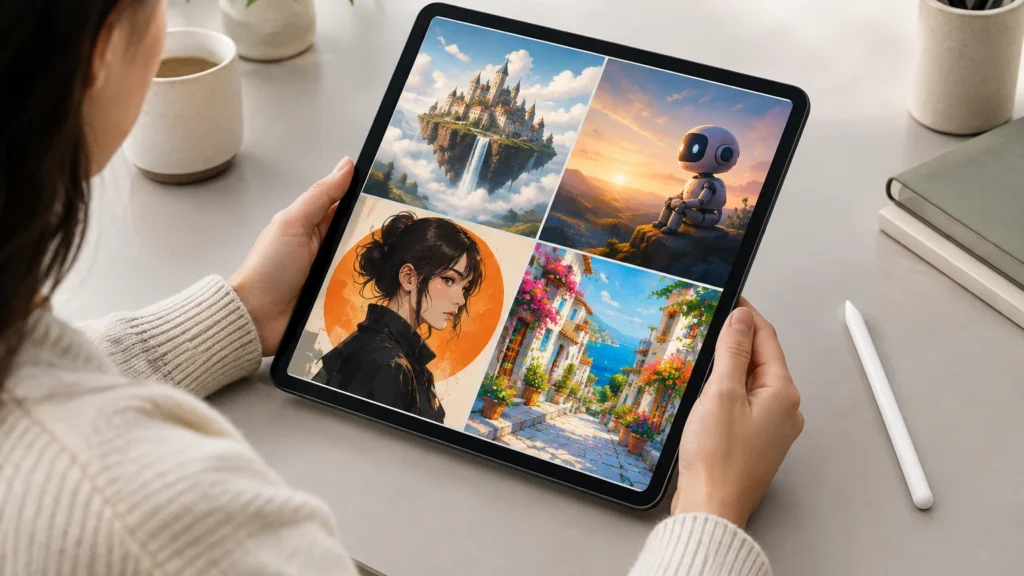
An ai image generator turns a written description into a picture. Behind it sits a text-to-image model, often a diffusion model, trained on huge image collections. It starts with random noise and removes it step by step until the prompt takes visual shape.
Realistically, you can create:
- Social posts, blog art, and mockups
- Concept sketches and character ideas
- Product scenes and backgrounds
- Stylized portraits and illustrations
Popular AI Image Generators Compared
Five tools cover most US needs: Midjourney, DALL-E, Adobe Firefly, Stable Diffusion and Canva. They differ in price, free access, learning curve and output style. The table gives a quick read, but plans and limits change often, so confirm current details on each official site.
| Tool | Pricing | Free option | Ease of use | Image quality | Best for |
|---|---|---|---|---|---|
| Midjourney | Paid subscription tiers | Free access has varied over time | Moderate; needs prompt practice | Highly stylized, artistic | Concept art, illustration, mood boards |
| DALL-E | Usually bundled with a ChatGPT plan or priced by usage | Limited, varies by plan | Easy; works with plain-language prompts | Strong prompt-following | Quick drafts, blog visuals, beginners |
| Adobe Firefly | Credit-based plans, often part of Adobe subscriptions | Limited free credits, varies | Easy; fits Adobe workflows | Clean, polished, commercial-friendly | Marketing, design teams, edits in Photoshop |
| Stable Diffusion | Open source; hardware or hosting costs vary | Yes, if you run it yourself | Harder; setup and tuning required | Flexible; depends on model and settings | Custom styles, advanced control, tinkerers |
| Canva | Free tier plus paid Pro plans | Yes, with usage limits | Very easy; built into a design editor | Good for everyday graphics | Social posts, slides, small business content |
If you want the simplest start, try Canva or DALL-E. If you care most about look and mood, Midjourney is a favorite. Choose Stable Diffusion when you want control and don’t mind setup.
How to Choose the Right AI Image Generator
Pick a tool by matching it to your job, not by chasing the hottest name. Weigh these factors first:
- Budget: Free tiers suit testing, but they often limit credits and resolution. Confirm current pricing on each official site.
- Skill level: Beginners do well with simple apps like Canva. Stable Diffusion rewards tinkerers.
- Style control: Midjourney is known for distinctive looks. Check how well prompts steer results.
- Commercial licensing: Read the terms before selling or publishing images. Adobe Firefly emphasizes business use.
- Editing features: Look for inpainting, upscaling and variations.
Tips for Better Results and Safe Use
Good prompts name the subject, style, lighting and mood. Then refine one detail at a time.
- Be specific: “watercolor fox in snowy pine forest, soft morning light” beats “a fox.”
- Avoid overloading: too many ideas muddy the result.
- Check hands, text and logos before publishing.
- Know the rules: in the U.S., purely machine-made images generally lack copyright protection. Read each tool’s license, and disclose AI use when it matters to your audience.
Key Takeaways
- An AI image generator turns a written prompt into a new picture using text-to-image models, most often diffusion models trained on large image collections.
- Midjourney, DALL-E, Adobe Firefly, Stable Diffusion and Canva each fit different needs, from artistic style to licensing comfort to full local control.
- Pick a tool by your goal, budget, commercial-use terms and how much control you want, then confirm current pricing and policies on the official site.
- Clear, specific prompts, a few quick iterations and a habit of checking usage rights and sensitive content will improve results and keep your use safe.
Frequently Asked Questions About ai image generator
Is there a free ai image generator that is actually good?
Yes, several free options produce solid results, including Stable Diffusion (which you can run yourself) and the free tiers in Canva and Adobe Firefly. Free plans usually limit credits, resolution or features, so check each tool’s current limits.
Can I use AI-generated images for commercial projects?
Often yes, but it depends on the tool’s terms and your plan. Some platforms allow commercial use on paid tiers, and others restrict it. Read the license before publishing, and consult a legal professional for high-stakes work like branding.
What makes a good prompt for an ai image generator?
A good prompt names the subject, setting, style, lighting and mood in plain, specific words. For example, “a red bicycle leaning on a brick wall, soft morning light, watercolor style.” Then adjust one detail at a time to refine the result.
Do I need design skills to use an ai image generator?
No. You describe what you want in everyday language, and the tool does the drawing. Basic design sense helps you judge composition and polish results, but beginners can get usable images within a few tries.
How do AI image generators create pictures from text?
Most systems use diffusion models trained on large collections of images paired with captions. They start with random noise and refine it step by step, guided by your prompt, until a coherent image emerges. Results vary by model, training data, and settings, so outputs differ between tools.
References & Further Reading
- Adobe Firefly – Adobe
- OpenAI DALL-E – OpenAI
- Stability AI – Stability AI
- Midjourney – Midjourney
About This Article
This guide was written with AI assistance from publicly available information. Prices, nutrition values and availability can change, so confirm important details with the official source before you decide.